BOOK 20/25Reports & audits
Audit log
See who did what in the system, when, and from which terminal — every significant change (bills/menu/staff/settings/stock) logged newest-first. Filter by date range, action, terminal, or free-text search. Only the owner or someone explicitly granted the permission can see it.
Page overview
How to reach this page
Open it from the “Activity log (Audit)” 📜 card on the Admin hub (/admin), or type the /audit-log URL directly — both paths go through the exact same permission check, so typing the URL doesn't bypass anything.
You need the “View activity/Audit log” (audit.view) permission — if you don't have it, the system automatically also tries the “Manage settings” (settings.manage) permission as a fallback. Without either, you see “No permission (permission: audit.view)” instead of any content — not a single row leaks before the check passes.
This permission isn't attached to any role by default except the owner (who always sees it via the “*” wildcard) — manager/assistant manager/cashier/server all start with zero access out of the box. The owner has to explicitly grant it, role by role, from “Manage staff → Permissions tab”.
Open full size The summary bar
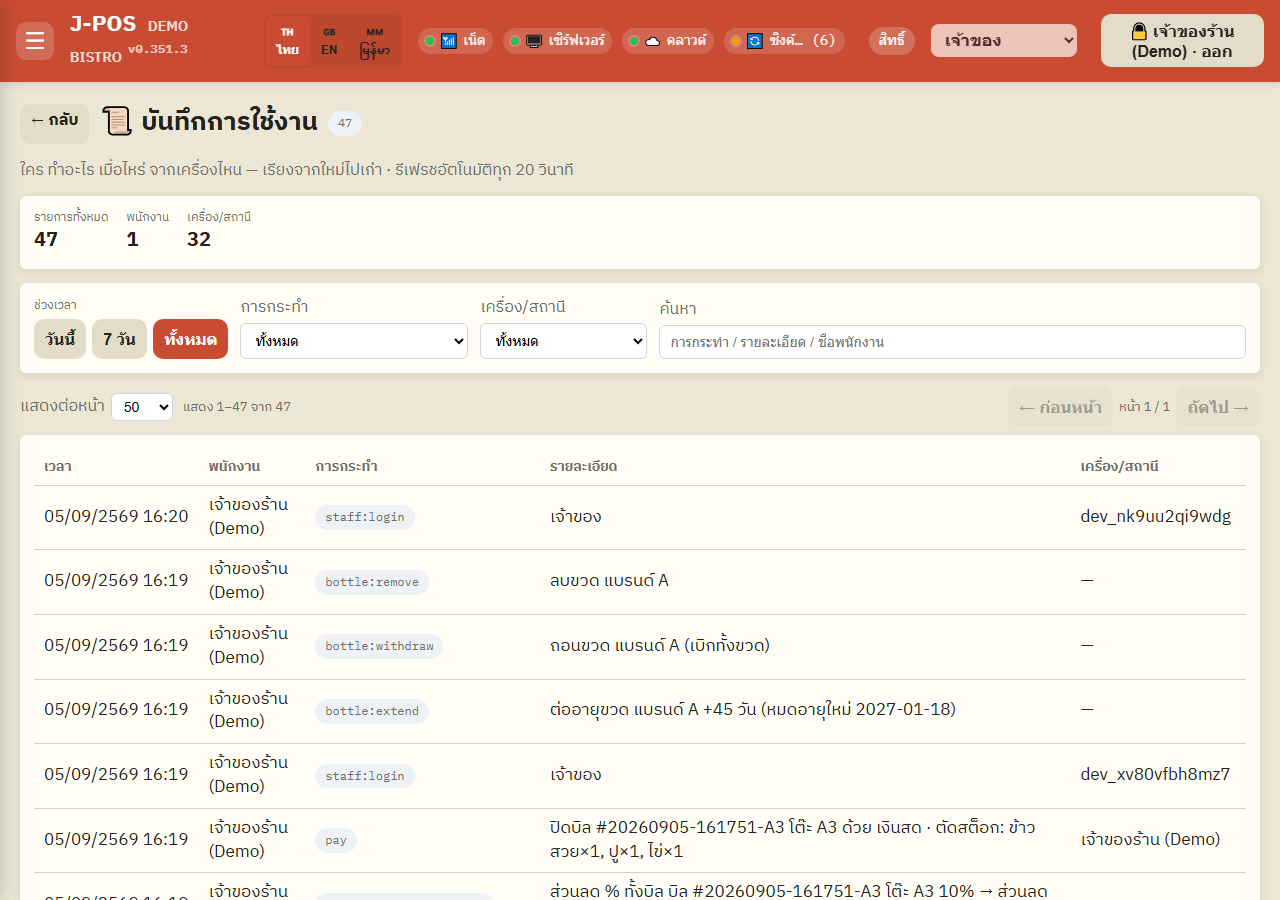
The top summary card shows 3 numbers: total entries, distinct staff seen, distinct terminals/stations seen — all 3 are computed over the CURRENTLY FILTERED set, not the grand total. Apply any filter and these numbers update immediately to match.
The page auto-refreshes every 20 seconds (no need to hit F5) — the very first load is server-seeded so there's no blank-loading flash; the first automatic refresh tick happens 20 seconds after you open the page.

Open full size
Filter and search
Date range + action/terminal filters
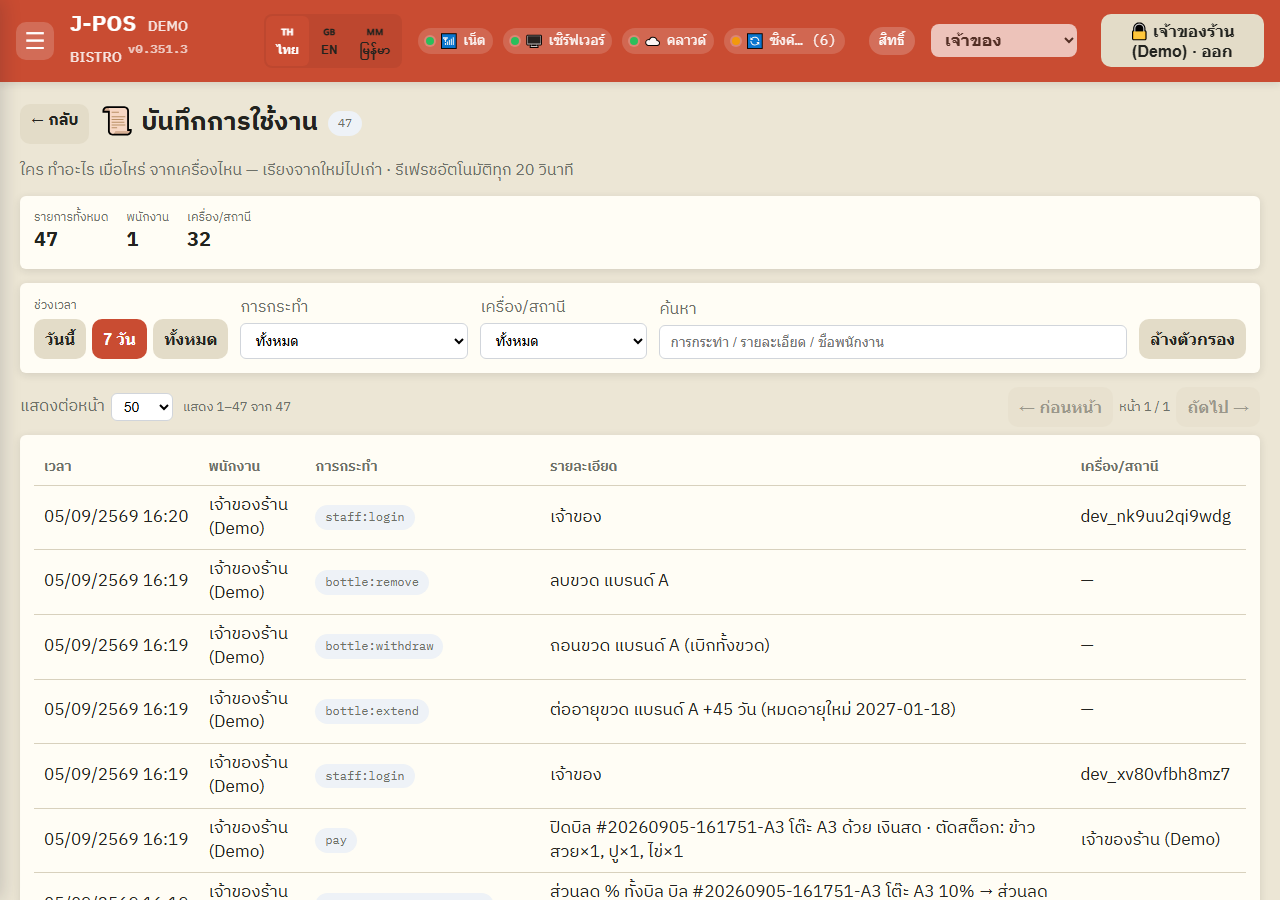
The quick date-range buttons are “Today”, “7 days”, “All” — day boundaries are computed in Thailand time (Asia/Bangkok), not raw UTC.
The “Action” and “Terminal/station” dropdowns are built only from values actually present in the log currently loaded (not a fixed master list) — if a given action has never happened, it simply won't appear as an option.
As soon as any filter is active, a “Clear filters” button appears, resetting search text/action/terminal/date range back to “all” in one click.
Open full size Free-text search
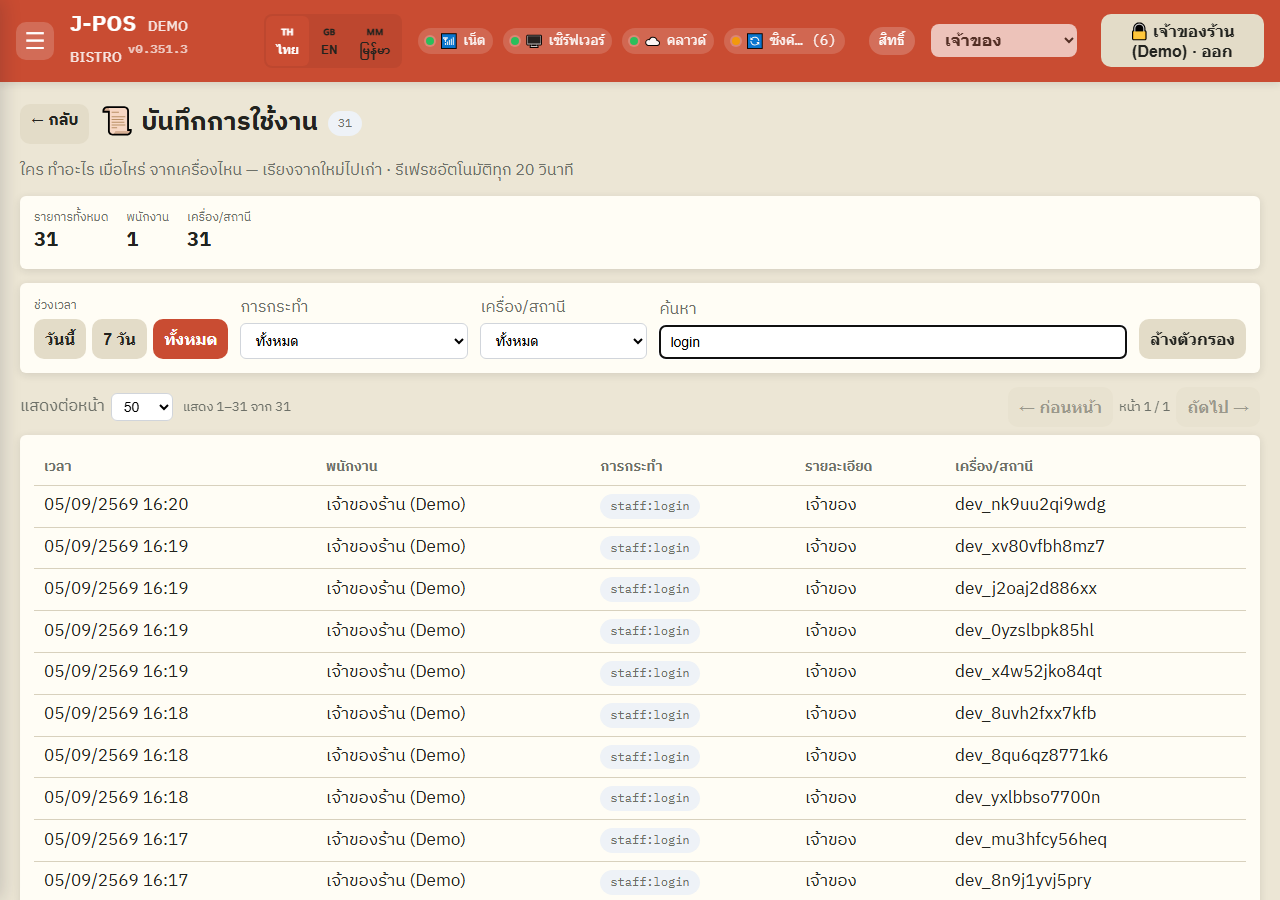
The search box does a case-insensitive substring match across 3 fields combined: action name, detail text, and staff name — so typing a staff's name, a word from the detail (like a table name or menu item), or part of an action code all work.
All filtering/searching runs entirely in the browser against data already loaded — it never re-queries the server per keystroke, so it responds instantly with no network delay.
Open full size
Reading the table + pagination
Table columns
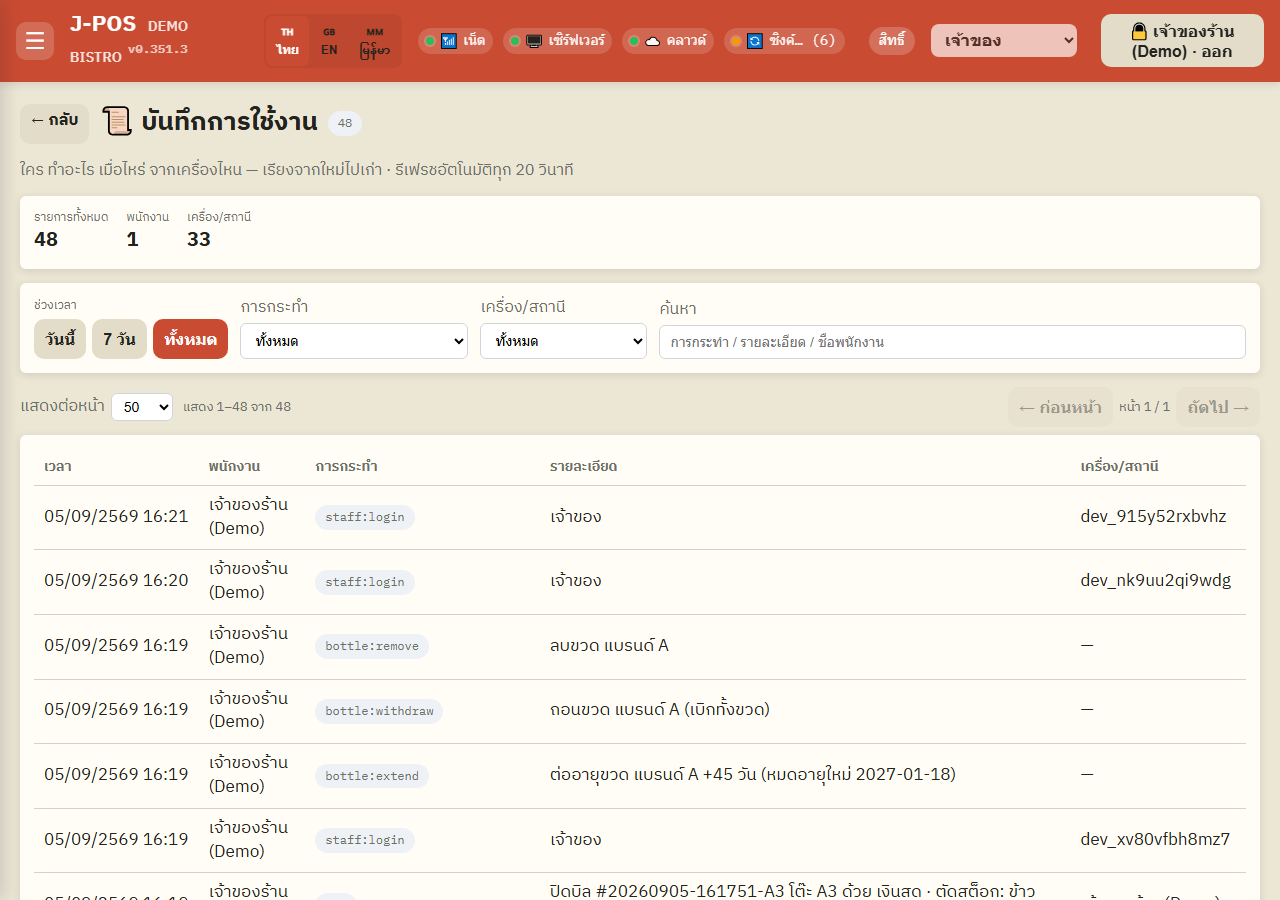
5 columns: Time (always the SERVER's clock, never the client's — so nobody can fake the timestamp by changing their own device's time), Staff, Action (an internal code like bill:refund, staff:setRole, menu:removeItem — not a plain-language sentence), Detail (a short extra note — table name, menu item, amount, etc.), Terminal/station.
The “Staff” column can show “—” on some rows — that's not missing data, it means no staff member directly triggered that action, e.g. the system's automated bank-transfer alert matcher (nobody clicked a button). Rows like that are expected and normal.
Open full size Pagination
Choose 50/100/300 rows per page — this only slices what's RENDERED in the table. The summary numbers and the filter dropdowns above always compute over the full filtered set, never truncated by the page size you picked.
Changing any filter or the page size automatically bounces you back to page 1 — preventing the case where you're on page 3 and a narrower result now only has 1 page, leaving you staring at an empty screen.

Open full size
Common points of confusion
No delete or edit — read-only, period
This page and its underlying API (/api/audit-log) only ever read data — there is no button or endpoint to delete, edit, or hide any single entry. Even the owner cannot remove one row at a time — an entry only disappears once it's pushed out past the retention cap (see next item).
Retention isn't measured in days — it's a fixed entry count (10,000 max)
Entries are kept in a ring buffer capped at the 10,000 most recent — not a “keep 30 days then delete” rule. A busy venue (frequent bills/menu edits/logins) may only see a few days of history, while a quiet one might see months — once the count exceeds 10,000, the oldest entries are automatically dropped in batches.
Not every action in the system is logged — only the ones explicitly wired in
Writing to the audit log requires explicit code at each endpoint — it isn't an automatic system-wide trap. Pure read/view actions (browsing the menu, opening a report, opening an order) never show up here at all. You only ever see actions that actually change data (bills/menu/staff/settings/stock/certain prints, etc.) at the specific points a developer has wired the logging call into.
Logging is best-effort — a failure here never blocks the real action
If something goes wrong while writing an entry (e.g. a transient storage hiccup), the error is swallowed silently and the real action (like closing a bill) still completes normally. In the rare case this happens, the real action did occur even though there's no corresponding row to audit it afterward.
PIN logins aren't skipped from logging — they just log through their own dedicated rows
Every staff login/logout is genuinely logged, as staff:login (success) / staff:loginFail (failure) / staff:logout rows — it just doesn't flow through the generic logging block used for other staff-management actions (which deliberately skips the raw pinLogin action and logout there, specifically to avoid writing an incomplete/duplicate row). Searching for “login” surfaces every attempt, successful or not.
Holding only the owner-level “system.admin” permission may let you SEE the link but not open the page
There are two intentionally different permission checks layered here: the outer page lock (which blocks direct URL access) accepts EITHER audit.view OR system.admin. But the /audit-log page's own inner check only accepts audit.view or settings.manage (not system.admin). So a role holding ONLY system.admin (without audit.view or settings.manage) passes the outer lock but then hits “no permission” from the page itself. If you hit this, grant that role audit.view directly rather than relying on system.admin.